
Report: Failed Transactions
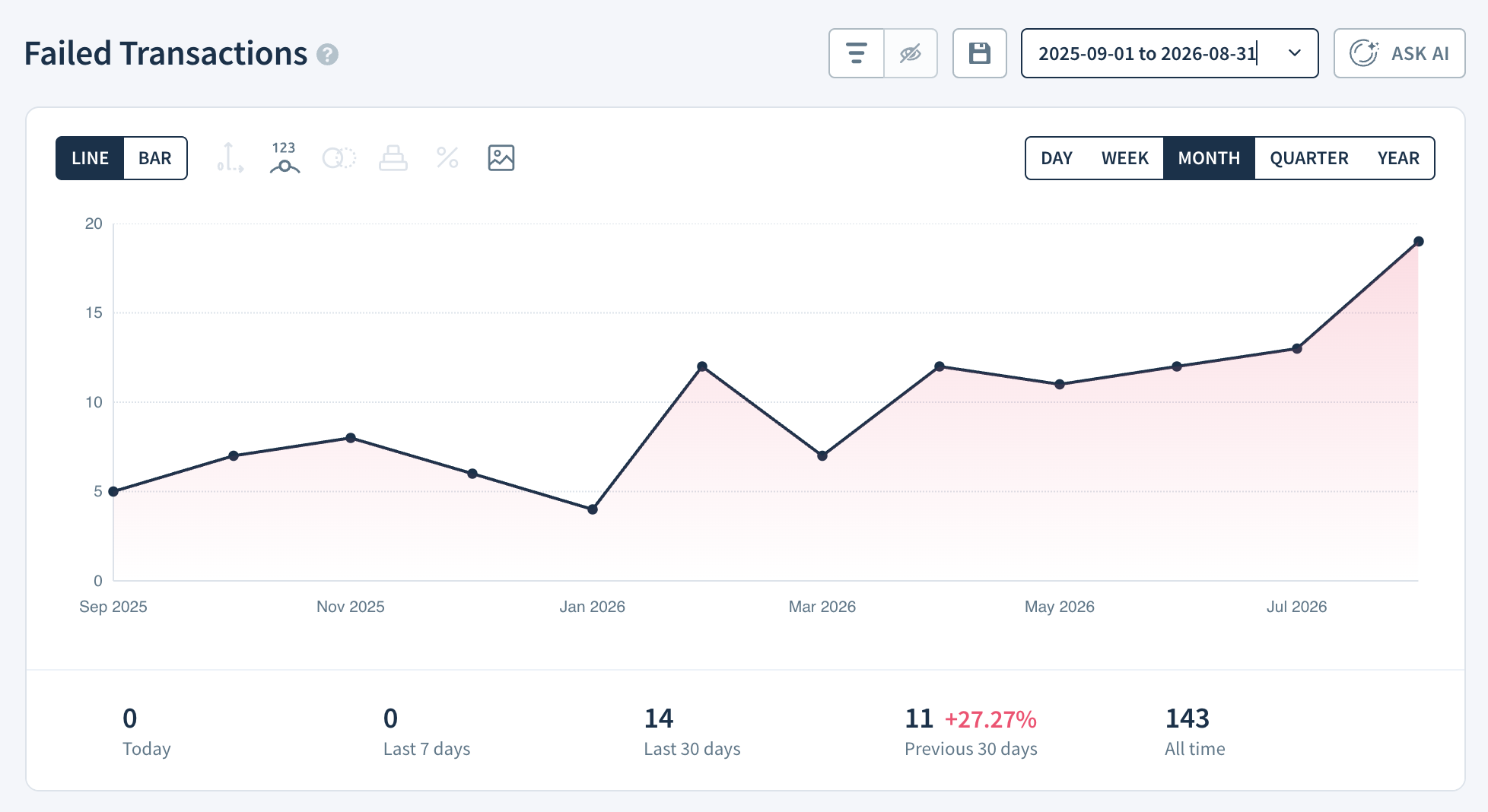
The Failed Transactions report shows how many customers have had one or more unsuccessful transaction attempts in each reporting period. Use it to catch payment failures before they turn into cancellations and recover revenue lost to passive churn — subscribers who lapse without ever intending to cancel.
If you're new to ChartMogul, get to know how reports work.
How Failed Transactions Are Counted
A customer with multiple failed transactions in a given report interval — the time window your chart is grouped by, such as a month or quarter — contributes to this metric only once in that interval.
How ChartMogul Calculates Failed Transactions
ChartMogul counts the total number of customers who had at least one failed attempt to collect or settle a payment or refund for an invoice in each report interval.
How to Read the Report Data Table
The Report Data table — the breakdown panel below the report — works differently for Failed Transactions than for other reports. It gives you the following columns:
- Failed Transactions — The total number of customers with a failed transaction in the report interval.
- Change — The increase or decrease in Failed Transactions compared to the previous report interval (the time period set by your chart's date grouping — day, week, or month), shown as a percentage.
Select any Failed Transactions cell to see the list of customers with failed transactions in that interval.
To download all paid invoices for the reporting period, click Detailed Export (CSV) above Report Data. See how to export data to CSV for details.
Next Steps
- View Successful Payments to see customers whose payments went through.
- Use segmentation to filter failed transactions for a specific customer group.