
Report: Paid Subscriber Retention Rate
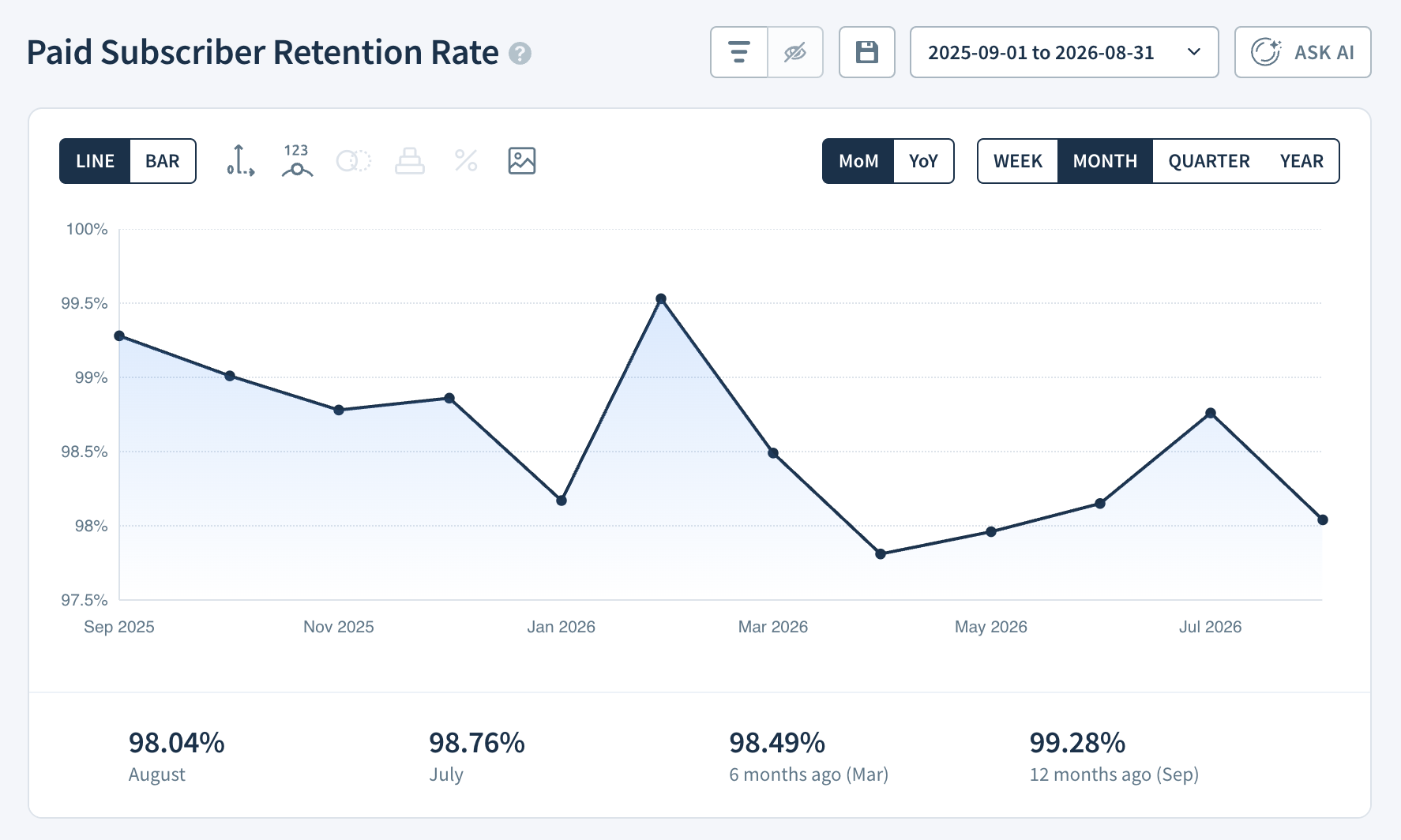
The Paid Subscriber Retention Rate report shows the percentage of active paid subscribers who did not churn during a given period.
For SaaS businesses, it’s a direct measure of how well you’re holding onto paying customers over time: the higher the rate, the more stable and predictable your revenue base. Tracking it consistently helps you spot deteriorating retention early, assess the impact of product and pricing changes, and build a clearer picture of long-term customer loyalty.
If you're new to ChartMogul, get to know how reports work.
How to Switch Comparison Periods
- Toggle between the default (WoW/MoM/QoQ) and year-over-year (YoY) rates. Learn more.
How ChartMogul Calculates Paid Subscriber Retention Rate
ChartMogul calculates Paid Subscriber Retention Rate as:
(Starting subscribers − Churned subscribers) ÷ Starting subscribers × 100
- Starting subscribers — the number of paid subscribers active on the first day of the period.
- Churned subscribers — the number of paid subscribers who canceled their last subscription during the period. Subscribers who reactivated before the period ended are not counted.
What the Report Data Table Shows
The Report Data table for Paid Subscriber Retention Rate is laid out differently from other reports. Here's what each column shows:
- Starting Subscribers — The number of paid subscribers who were active at the start of the period.
- Churned Subscribers — The number of paid subscribers who canceled their last subscription in the period. Customers who churned and reactivated during the period are excluded from this number.
- Paid Subscriber Retention Rate — The percentage of Starting Subscribers who did not churn during the period.
Next steps
- Use segmentation to break down Subscriber Retention Rate by region, plan, or custom attribute.
- Use Subscriber Movements to see the individual subscriber changes behind the numbers.