
Report: Recurring Revenue Growth Rate
If you're new to ChartMogul, get to know how reports work.
Recurring Revenue Growth Rate shows the percentage change in your MRR (Monthly Recurring Revenue) from one period to the next.
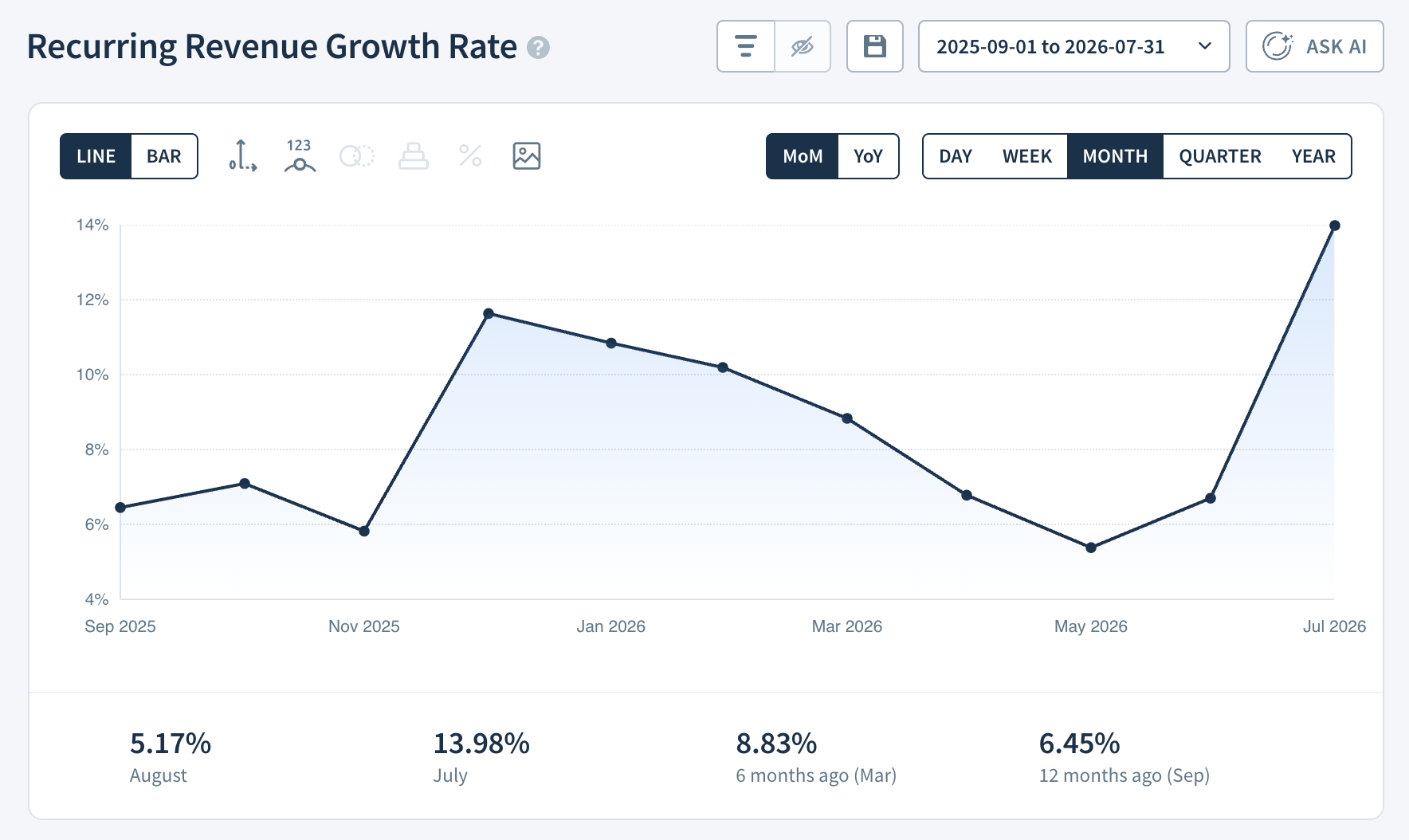
Report Notes
- Toggle between the default (DoD / WoW / MoM / QoQ) and year-over-year (YoY) rates. Learn more.
Calculation
ChartMogul calculates Recurring Revenue Growth Rate as the percentage change in MRR from one period to the next:
(MRR this period − MRR previous period) ÷ MRR previous period × 100
Report Data
The Report Data table for Recurring Revenue Growth Rate works differently from other reports. It provides the following breakdown:
- MRR — MRR for the period, measured at the end of the period. For example, March MRR is the MRR on March 31 at 11:59 p.m.
- Growth Rate — The percentage change in MRR compared to the previous period.
- Change — The percentage change in your Growth Rate compared to the previous period. This tells you whether your growth is accelerating or slowing down.
Next steps
- Analyze MRR Movements to understand what’s driving changes in your growth rate.
- Use segmentation to break down Recurring Revenue Growth Rate by region, plan, or custom attribute.
- Compare your Recurring Revenue Growth Rate against peers with Benchmarks.